How to Install 4K Vintage Art on Samsung The Frame TV
Nothing transforms a living room quite like turning a flat black television into a 19th-century gilded museum gallery piece. Yet thousands of homeowners end up with stretched aspect ratios, awkward fake shadow mats, or blindingly bright digital screens that ruin the illusion. Here is our master guide to getting flawless, museum-grade results on your Samsung Frame TV.
1. The Golden Rule: Native 3840 × 2160 (16:9) Resolution
The single most common mistake Frame TV owners make is downloading vertical art prints or generic widescreen wallpapers. Samsung The Frame displays use a native 4K UHD panel with exactly 3,840 horizontal pixels by 2,160 vertical pixels (a 16:9 aspect ratio).
If you upload an image with even slight variance, the television's internal processor will force an artificial digital mat or crop off significant portions of the composition. At Quill & Folio, all our Frame TV art sets are hand-restored and exported at exact 3840×2160 resolution, preserving authentic craquelure, canvas grain, and brushwork down to the sub-pixel level.
2. Step-by-Step Installation via Samsung SmartThings
The fastest and most reliable method to send artwork to your TV is through the official Samsung SmartThings app:
- Download your artwork: Download your unzipped 4K JPEG files to your smartphone's camera roll or photo library (Photos app on iOS, Gallery on Android).
- Launch SmartThings: Make sure your smartphone and Samsung Frame TV are on the same Wi-Fi network. Open SmartThings and select your TV.
- Enter Art Mode: Tap Art Mode on your phone screen, then scroll down and tap Add Your Photos +.
- Select Your Pieces: Check the circle next to the vintage paintings you want to display, then tap Save on The Frame in the top right corner.
3. The Secret to Realism: Ambient Calibration
A real oil painting doesn't emit backlit white photons into the room. To make guests truly believe your TV is an antique canvas:
- Reduce Brightness: In the Art Mode settings menu on your TV remote, lower the display brightness by 3 to 4 notches (around 40–50% brightness).
- Set Warm Tone: Shift the Color Tone from "Standard" to Warm 1 or Warm 2. Antique oil varnishes naturally yellow over centuries; this slight warmth neutralizes the cool LED backlight.
- Enable Sleep Sensor: Keep the Night Mode / Motion Sensor active so the screen automatically sleeps when you leave the room.
4. Curated Master Collections for Your Home
Ready to curate your television? Here are three of our most requested seasonal collections, each delivered with 10 museum-curated 4K paintings formatted strictly for Samsung Art Mode:
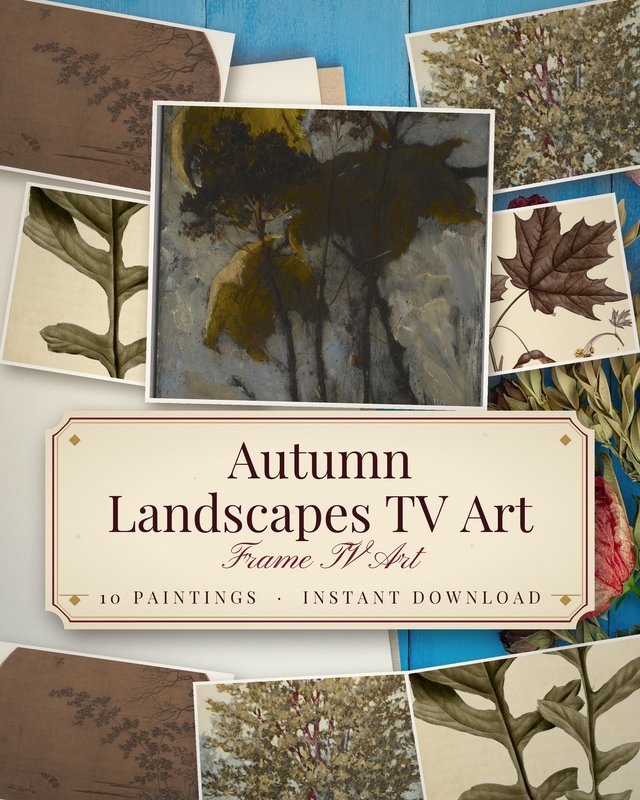
Vintage Autumn Landscape (10 4K Paintings)
Hudson River School, golden foliage, misty forest paths, and glowing pastoral sunsets.
View on Etsy →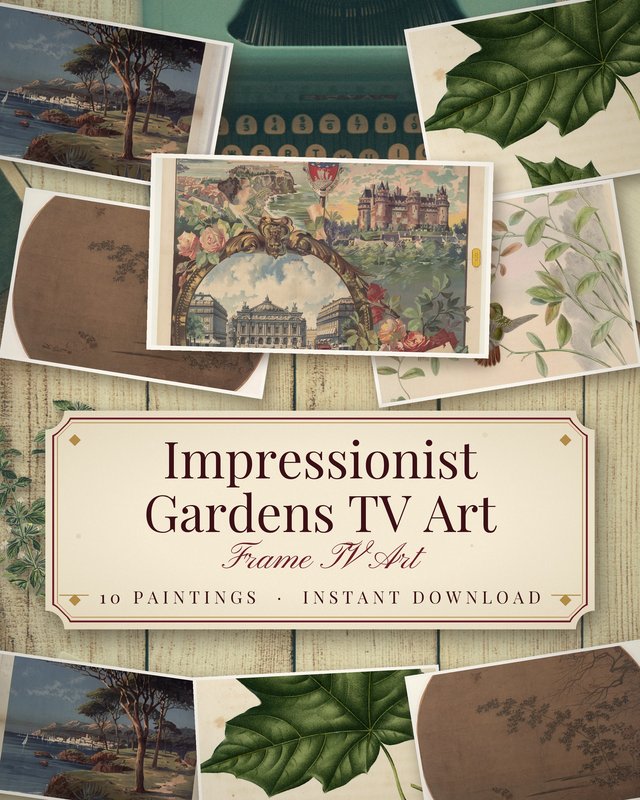
French Impressionist Garden (10 4K Monet Art)
Giverny water lilies, dappled sunlight, vintage rose arbors, and soft pastel brushwork.
View on Etsy →
Dutch Golden Age Still Life (10 Moody 4K Florals)
Moody dark academia backgrounds, velvety tulips, lush cabbage roses, and intricate insect details.
View on Etsy →Download Complimentary 4K Companion Art
As a reader of our studio guide, you are warmly invited to download complimentary 4K Frame TV pieces from our private archive.
Claim Free 4K Artwork →